Overview
Let us take a look at a Code Nanite - GetPrimaryKey that returns the primary key in a passed table.
These are the major .cs files needed for a Code Nanite DLL:
- Main Class - GetPrimaryKey.cs
- Functions - GetPrimaryKey.Functions.cs
How it works
A call ( MainFunction() ) is made from GetPrimaryKey.cs to GetPrimaryKey.Functions.cs. The code is auto-generated when you use the Boilerplate Stencil to generate this solution.
public void ExecutePlugin(){ Initializer(SchemaItem, Expander); MainFunction();}Ideally, the only file that should need your update/code will be GetPrimaryKey.Functions.cs, and your code starts in the MainFunction() method.
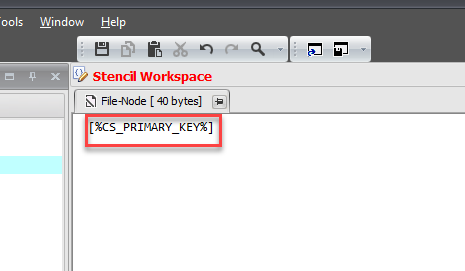
private void MainFunction(){ Output = GetTable(Input) +"."+ GetPrimaryKey(Input) ;}The result goes into the property - Output which CodeStencil is able to receive with a call like this: